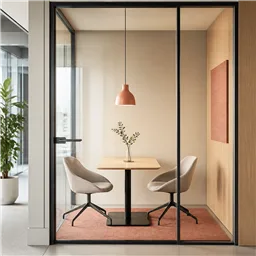


Booking system for shared spaces and workplaces
One booking system for every space you share.
Manage rooms, desks, parking and shared resources for employees, members, visitors and communities.
Used by 2,000+ spaces and offices
in 40+ countries
-
 4.7/5 on Capterra
-
 4.4/5 on G2
-
 4.7/5 on GetApp
Built for the way your spaces are shared.
Choose the operating model that fits your organization. Both run on the same Whatspot system.
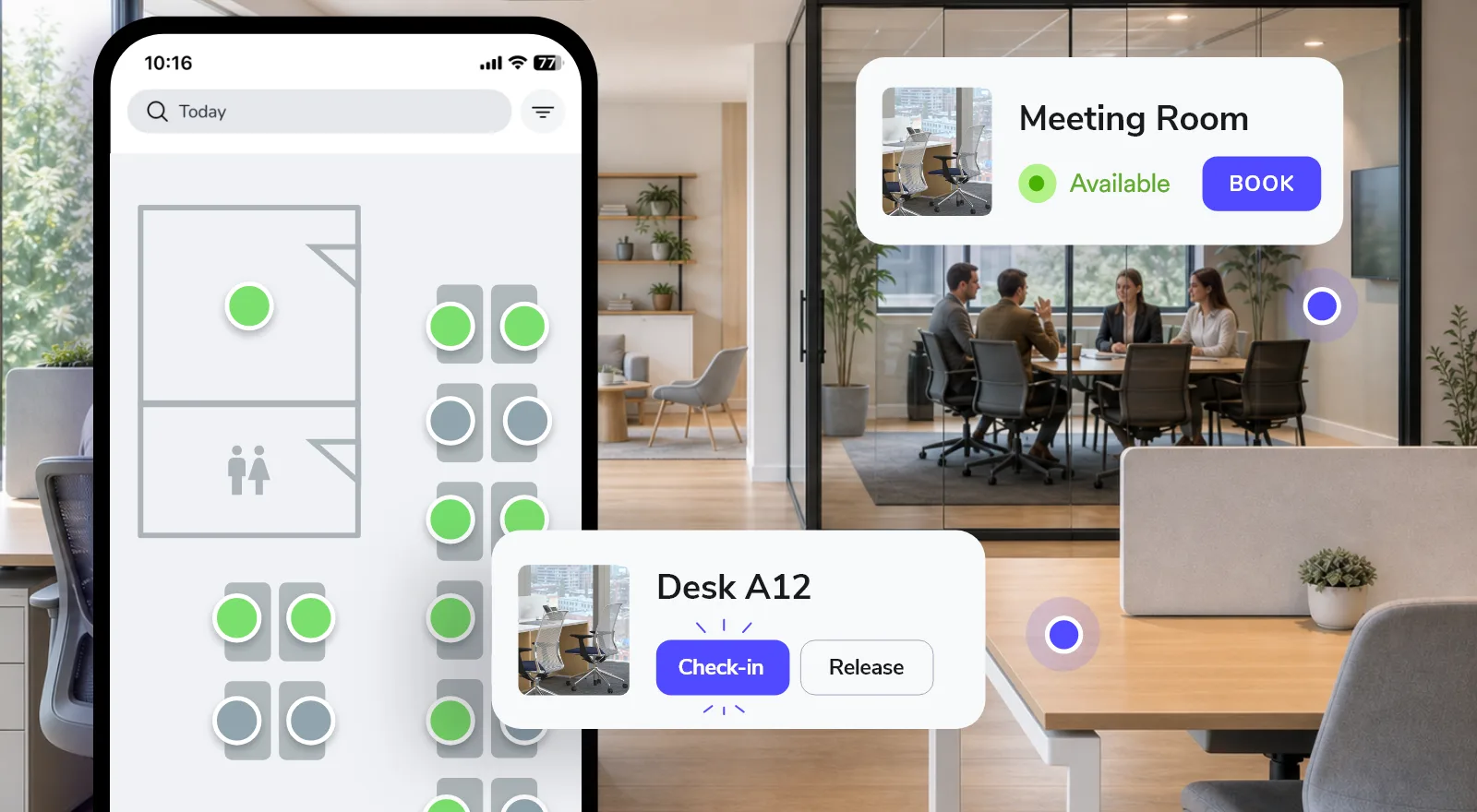
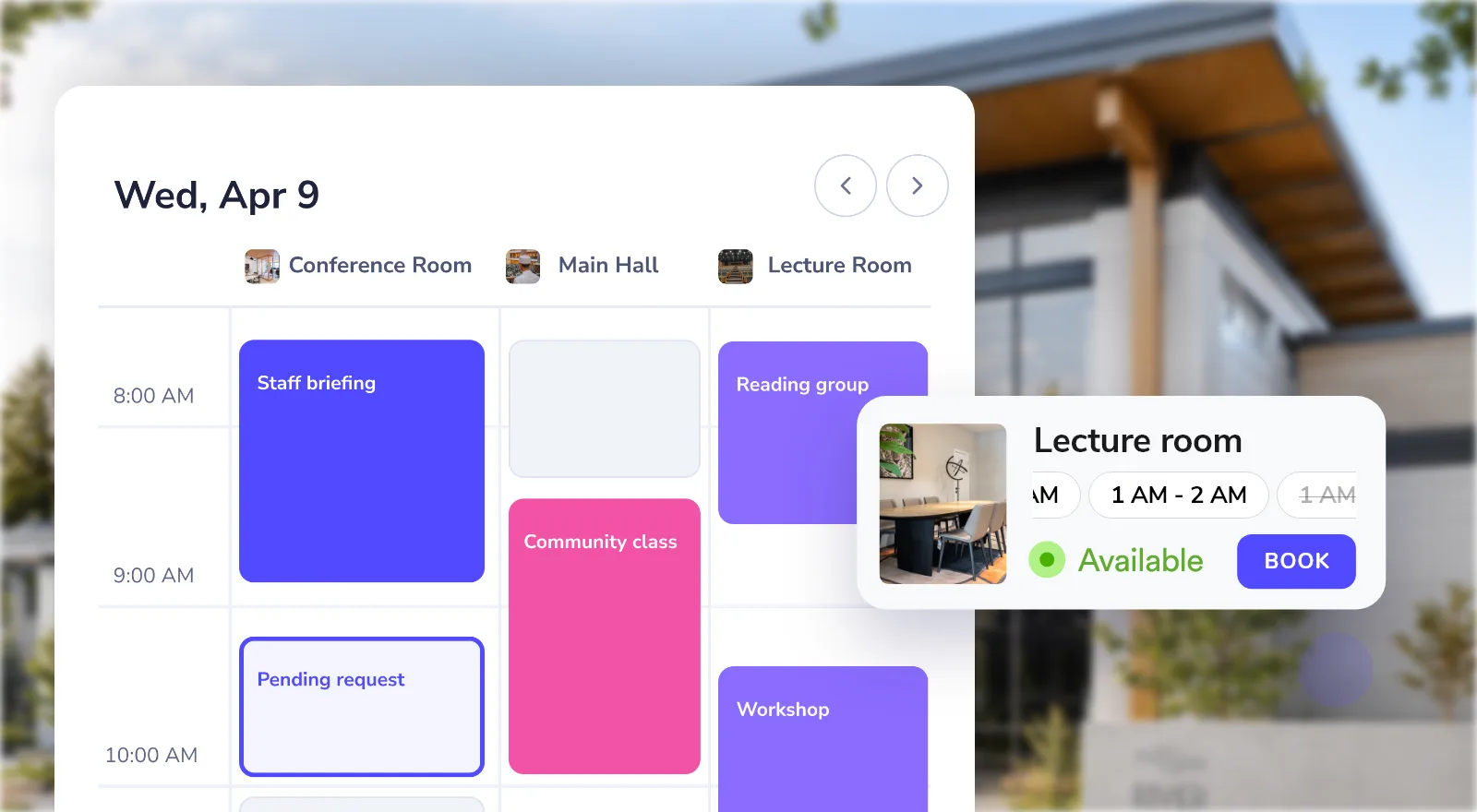
Simple booking for users. Full control for you.
Define what can be booked, prevent conflicts, set the rules and understand how your spaces are used.
Set up rooms, desks, parking or other shared resources with their availability, capacity and booking schedule.
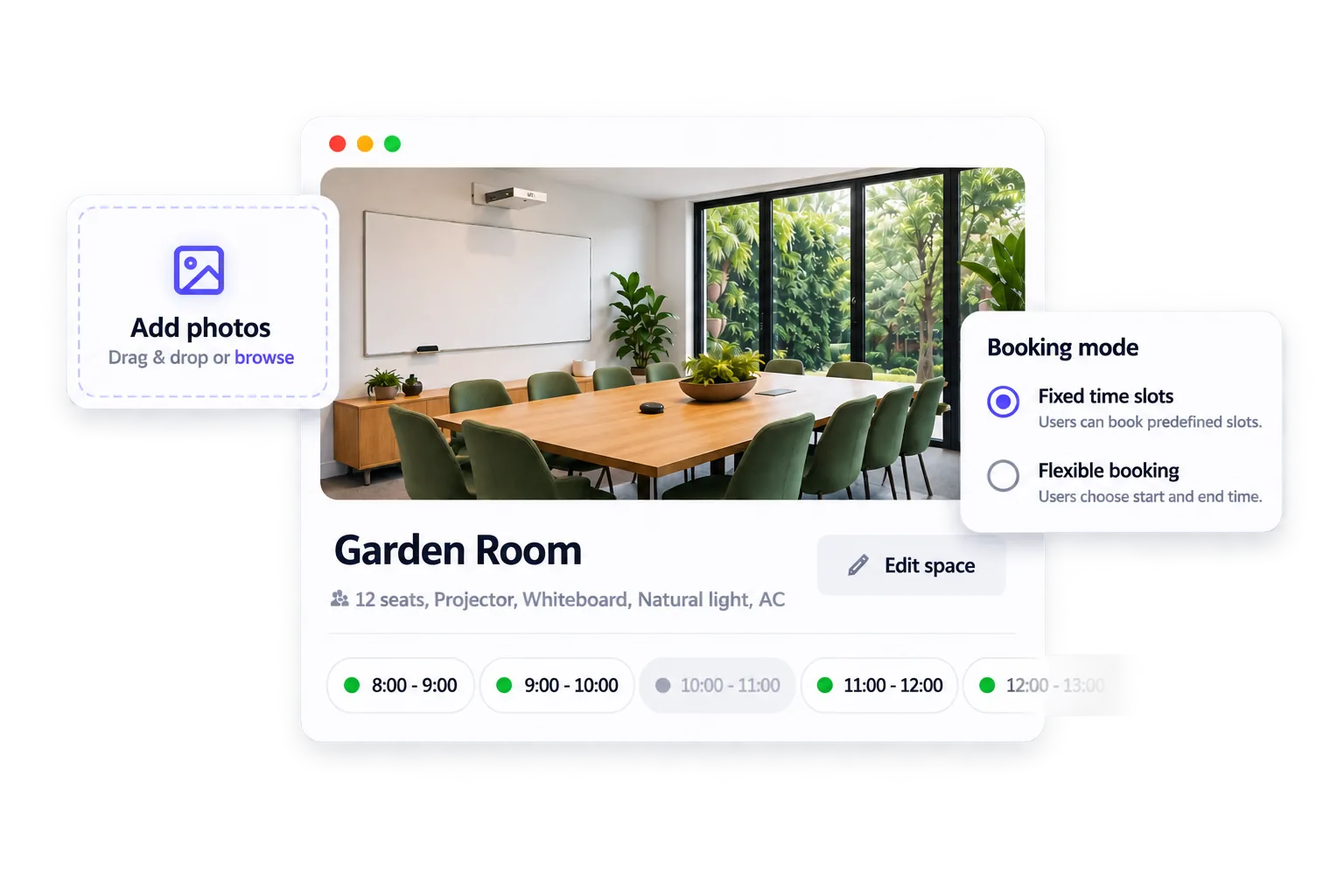
Real-time availability and booking checks prevent double bookings and help people find a suitable free space.
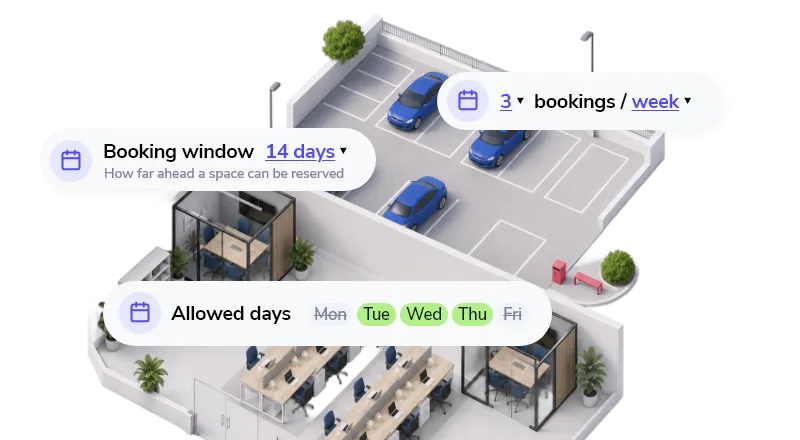
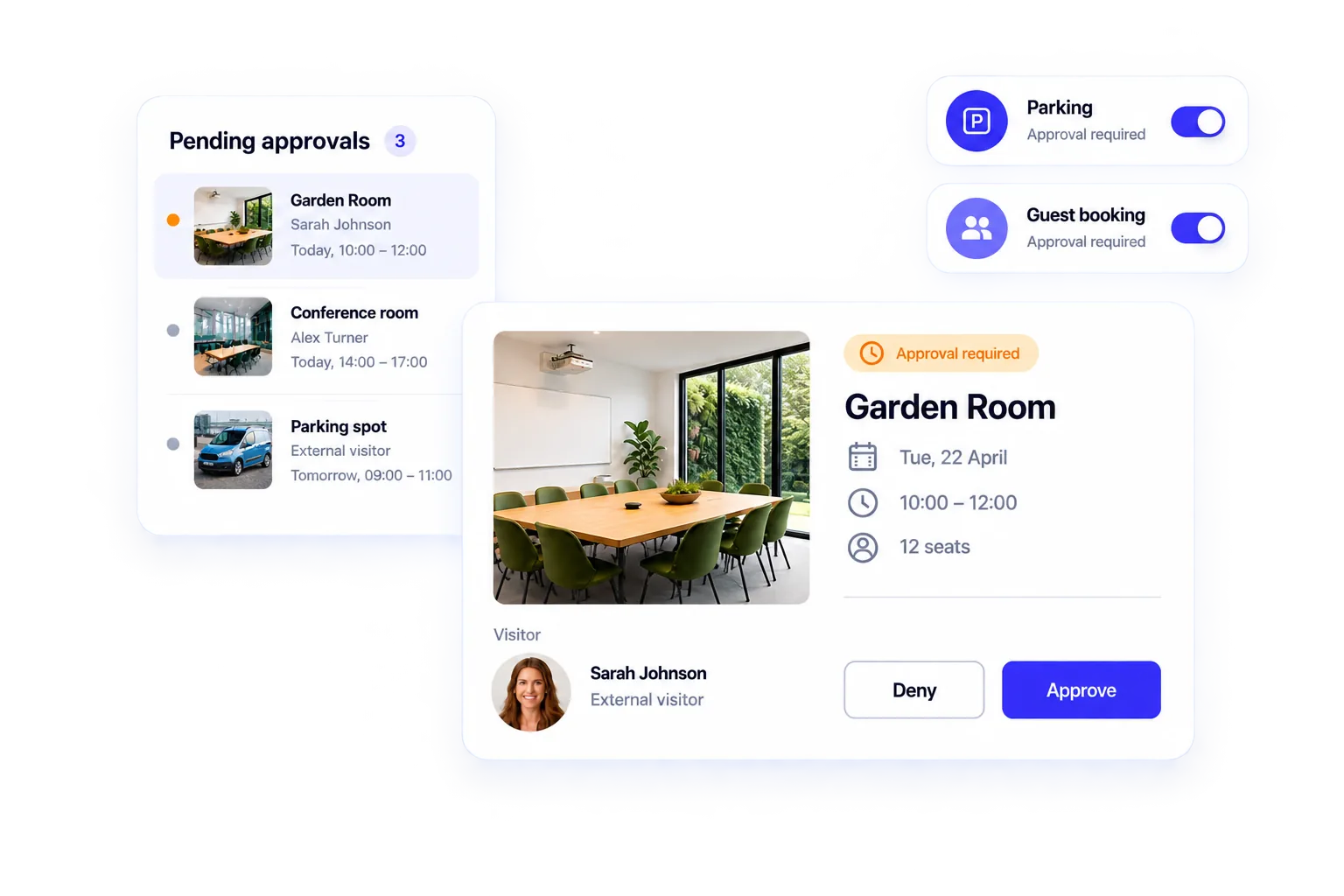
Set access, approvals, limits and booking rules so every space is used the way you need it to be.
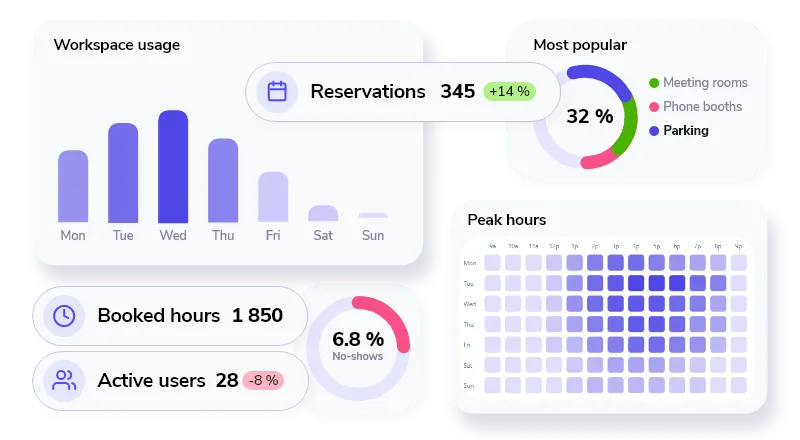
Track booking activity, peak demand and resource usage to see what’s working and where things can improve.

Set up in minutes. Easy to adopt from day one.
Whatspot fits into the tools and routines you already use, without a lengthy rollout or complicated training.
Connect the tools you already use.
Sync calendars and connect your existing tools without rebuilding the way your organization works.




Book from anywhere.
Let people find and book the right space from their phone, wherever they happen to be.


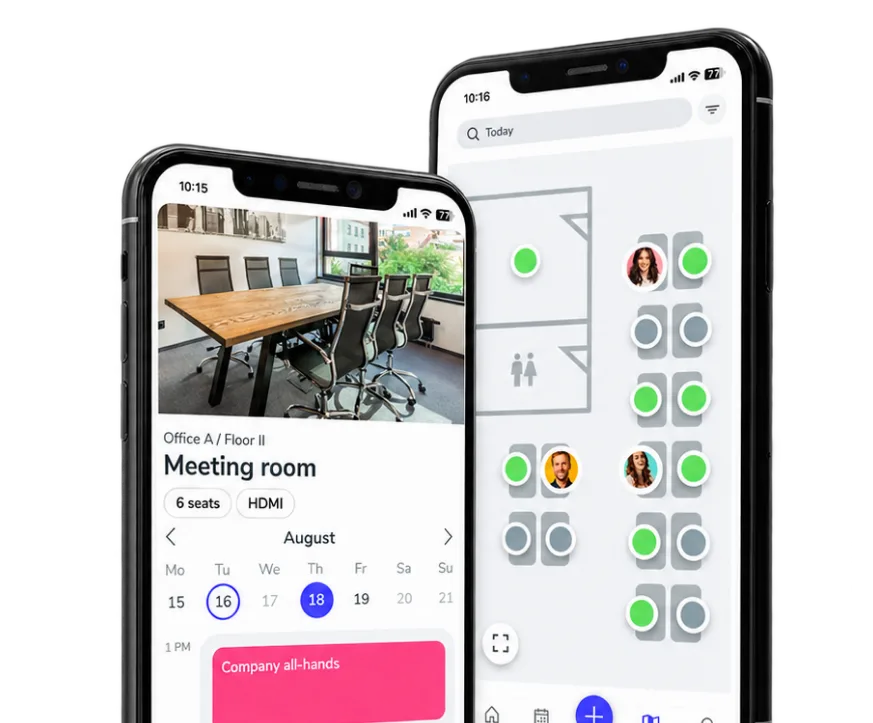
Book or check in on the spot.
Scan a QR code on a room, desk or shared resource to book, check in or see what’s available.

Your users. Their language.
Give everyone the same familiar booking flow in more than 15 languages.


Whatspot speaks 15+ languages
Used wherever people share spaces.
See how Whatspot fits the way your organization coordinates rooms, resources and access.
 Offices & meeting rooms
Help teams share meeting rooms, desks, parking and workplace resources without conflicts.
Explore use case
Offices & meeting rooms
Help teams share meeting rooms, desks, parking and workplace resources without conflicts.
Explore use case
 Coworking spaces
Coordinate desks, rooms, members and visitors from one booking system.
Explore use case
Coworking spaces
Coordinate desks, rooms, members and visitors from one booking system.
Explore use case
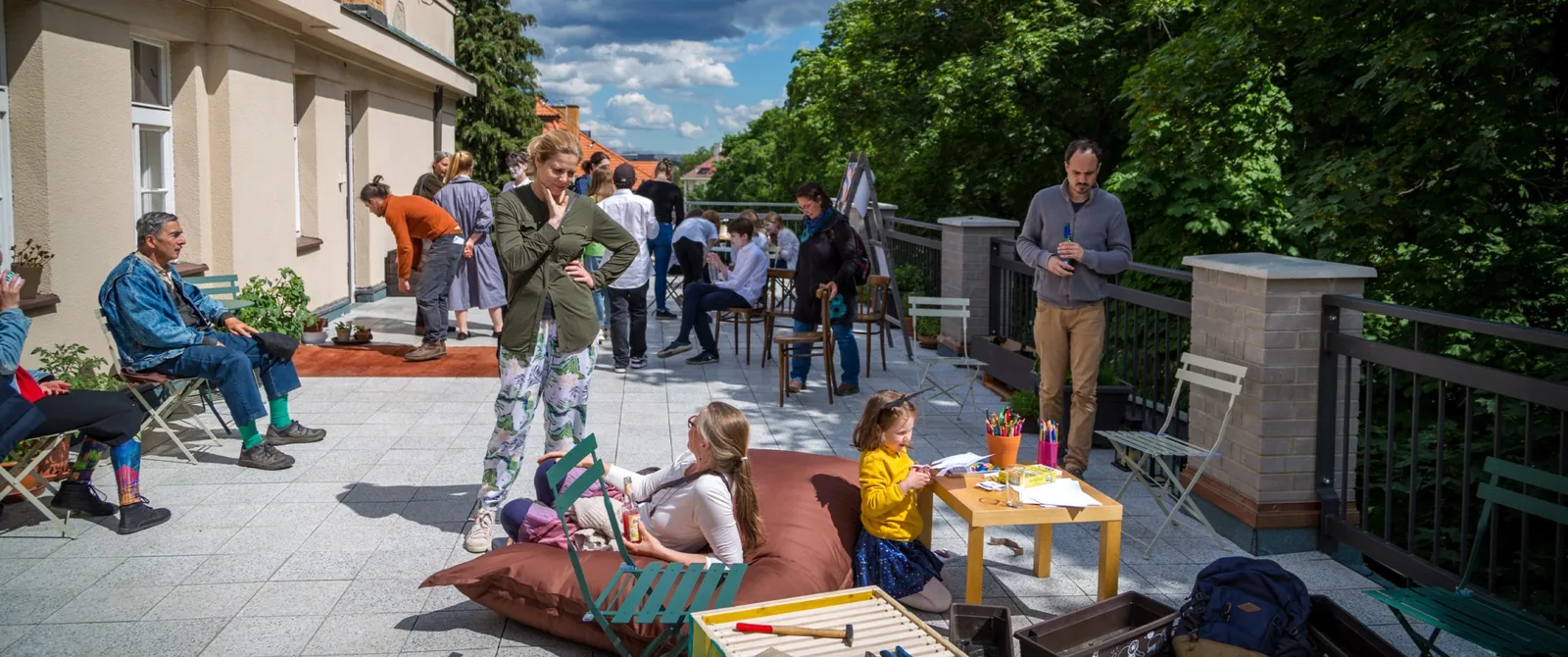 Community centers
Balance recurring programs, public access and manager approval.
Explore use case
Community centers
Balance recurring programs, public access and manager approval.
Explore use case
 Education & universities
Share classrooms, study areas and specialist facilities across different groups.
Explore use case
Education & universities
Share classrooms, study areas and specialist facilities across different groups.
Explore use case
 Churches & nonprofits
Open rooms to ministries, volunteers and local groups while administrators stay in control.
Explore use case
Churches & nonprofits
Open rooms to ministries, volunteers and local groups while administrators stay in control.
Explore use case
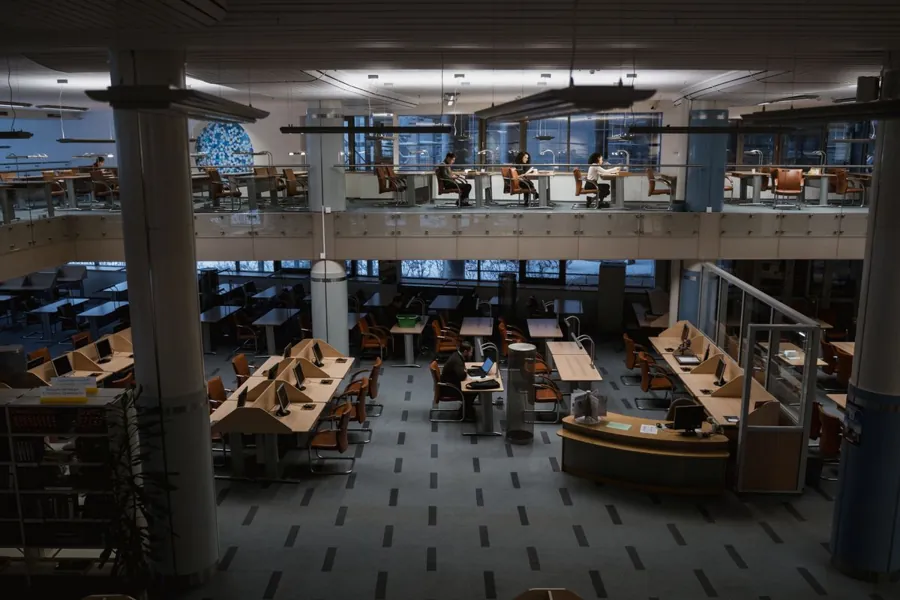 Libraries
Make study rooms, meeting areas and community facilities easy to reserve.
Explore use case
Libraries
Make study rooms, meeting areas and community facilities easy to reserve.
Explore use case
“10 shared spaces. 1,000+ bookings a year. From endless emails to self-service bookings in just a few clicks.”
Choose the setup that fits how you share space.
Start with the operating model that matches your users and resources. See full pricing for all limits and options.
For visitors, members and communities.
Included
- Public booking form
- Booking schedules
- Booking approval
- Recurring bookings
- Calendar sync
For employees and workplace operations.
Included
- Desks, rooms, parking and assets
- Interactive maps
- Access policies and permissions
- Booking workflows, approvals and check-ins
- Up to 100 users
Starting prices shown for yearly billing. Taxes may apply.
Frequently asked questions
About choosing, setting up and using Whatspot across workplaces and shared spaces.
What is Whatspot?
Whatspot is a booking system for rooms, desks, parking, equipment and other shared resources. It gives people a simple way to reserve what they need while administrators keep availability and rules under control.
What’s the difference between Workspaces and Shared Spaces?
Workspaces are designed around employees and workplace operations. Shared Spaces are designed around members, visitors, communities and public booking requests. Both use the same system.
Can we manage both internal and public bookings in one system?
Yes. Internal teams and external groups can use separate booking paths, permissions and approval rules while every reservation stays in one system.
Does Whatspot integrate with Microsoft 365 and Google Workspace?
Yes. Whatspot can synchronize room and resource calendars with Microsoft 365 and Google Workspace, helping people keep using familiar tools while bookings and availability stay aligned. The Microsoft Teams app also lets employees view availability and create reservations without leaving Teams.
How quickly can we set up Whatspot?
Most teams can add spaces, define availability and access, and start booking in minutes. The setup is self-service, while company identity, calendar or more complex multi-location rollouts may benefit from IT or help from the Whatspot team.
Is there a free plan?
Yes. You can start with the free plan or use a 14-day trial to explore the full setup. See the complete pricing for current limits and options.
Make booking spaces simple.
Set up your spaces, invite people and start booking in minutes.
Whatspot speaks 15+ languages